
Explore first · Connect when you’re ready
Browse Women on Xmegle Before Starting a Private Video Chat
Look through women’s photos, short videos and posts first, then start a private 1-on-1 video chat or a message when you’re ready.







The short answer
What Does Browse First Mean on Xmegle?
Browse first on Xmegle means looking through women’s profiles — their photos, short videos and posts — before you start a chat. Instead of a random match, you open Browse Women, pick someone you’d like to meet, then start a private 1-on-1 video chat or send her a message.
It’s free to start and runs in your phone or desktop browser. You decide when looking turns into talking.
- ExplorePhotos, short videos and posts.
- ChoosePick the woman you’d like to meet.
- ConnectVideo call or message — your call.
- Who chooses
- You do
- What you see first
- Photos, short videos, posts
- Ways to look
- Popular, Online, New, language tabs
- Then
- 1-on-1 video call or a message
Explore women
What You Can Explore Before You Say Hi
Browse Women is the list of women’s profiles on Xmegle. Each profile gives you more than a single photo, so the first hello is with someone you already know a little about.



Photos
Her profile photos give you a first impression.
Short videos
See how she talks and smiles before you ever call.
Posts
What she’s into and what she’s been up to lately.
Ways to look through the list
Switch the view
Popular, Online and New each show the list a different way.
Find a shared language
Language tabs help you find women you can actually talk with.
Narrow it down
Use Filter to refine the list, or search for someone specific.
Come back to her
Follow women you like and find them again in one place.
Browse or random?
Browse First vs Random Match: Which Fits You?
Both lead to a 1-on-1 chat with no audience. The difference is who chooses, and how much you know before hello.



Browse first
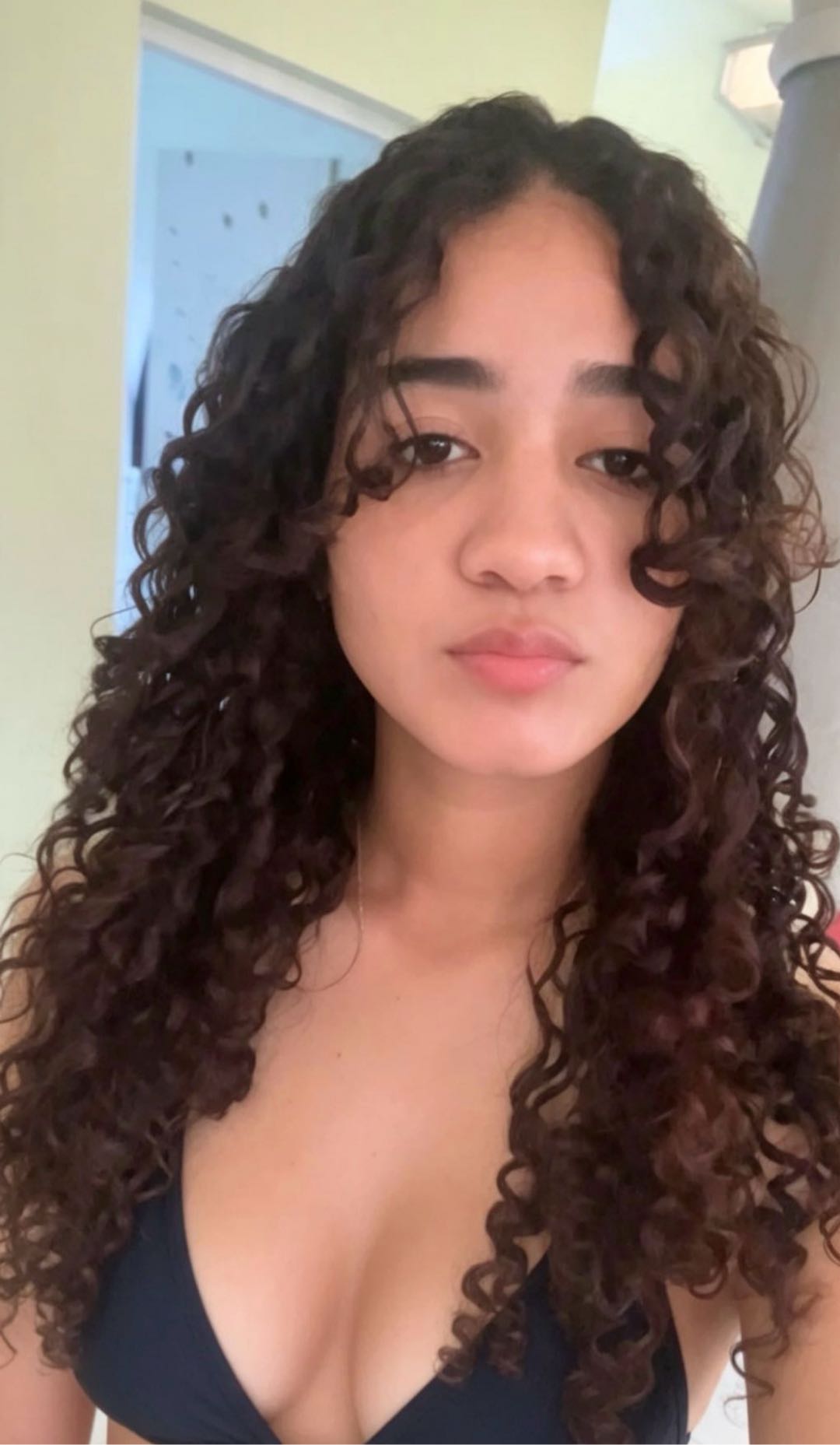
Random match
Who picks
Browse first: You, from women’s profiles
Random match: Xmegle, women first
What you know first
Browse first: Her photos, short videos and posts
Random match: Nothing — the surprise is the point
Pace
Browse first: As slow or quick as you like
Random match: Instant: tap Start and go
Best when
Browse first: Who’s on the other side matters to you
Random match: You want to meet someone new, fast
Curious about the other side? Read how random video chat with women works, or what private video chat on Xmegle covers.
From browsing to chatting
From Browsing to a Private Video Chat in Four Steps
This is the real path on Xmegle, from opening the list to saying hi on camera.
Open Browse Women
Tap Browse Women. The list opens right in your phone or desktop browser — there’s no app to download.
Narrow it down
Switch between Popular, Online and New, try a language tab, or use Filter to refine the list.
Open her profile
Tap a woman to see her photos, short videos and posts. Follow her if you’d like to find her again later.
Say hi your way
Start a 1-on-1 video call from her profile — your browser asks for camera and microphone access the first time — or send her a message.
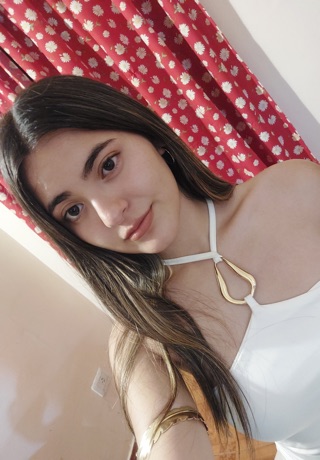



Every video call is just the two of you. What private video chat means on Xmegle
First time here? See every step in the Xmegle guide
Open messagesWhy browse first?
Who Browsing First Suits Best
Browsing first isn’t better or worse than a random match — it suits a different kind of chat.


You care who you talk to
When the person matters more than the surprise, browsing lets you choose before the camera turns on.
You want a shared language
Language tabs make it easier to find a conversation that flows from the first word.
You like a little context
A short video or a recent post gives you something real to open with — far better than a plain “hi”.
You’d rather warm up first
Send a message from her profile and move to video when you’re both ready.
Tips for text chat with women
FAQ
Browsing Women on Xmegle: Your Questions
More questions? Visit the Help Center
What does browsing women on Xmegle mean?
Browse Women is the list of women’s profiles on Xmegle. You look through their photos, short videos and posts, then choose who you’d like to chat with instead of being matched at random.
Is browsing women on Xmegle free?
Xmegle is free to start, and there’s no VIP membership required to open Browse Women and look through profiles. Some optional features inside the app are paid.
Do I need to download an app to browse women?
No. Browse Women runs in your phone or desktop browser, so you can look through profiles and start chatting without installing anything.
How do I start a chat with a woman I found?
Open her profile and start a video call, or send her a message. For video, allow camera and microphone access when your browser asks.
Can I message her before a video chat?
Yes. Send a message from her profile, find the conversation in Messages, and switch to a video chat whenever you’re both ready.
How do I find women who speak my language?
Use the language tabs in Browse Women, or open Filter to refine the list.
What’s the difference between browsing and random video chat?
When you browse, you choose who to call after seeing her profile. In random video chat, Xmegle matches you with someone new, women first. Both are 1-on-1 chats.
Who can browse women on Xmegle?
Xmegle is for adults 18 and over. Everyone is expected to follow the Community Guidelines and treat the people they meet with respect.









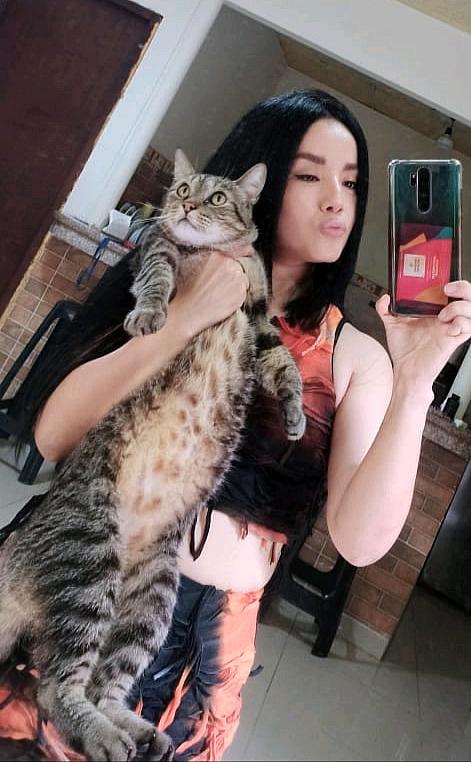
Explore first
Find Someone You’d Like to Meet on Xmegle
Browse women’s profiles, photos and short videos, then start a private video chat when you’re ready — free to start, right in your browser.